RESOURCES

Everything you need — before and after you buy.

Choose your path: explore what TabletCRM can do, or get trained and find answers fast.

EXPLORING TABLETCRM?

Pre-customer resources

The brochure, sales videos and screenshots to help you decide if TabletCRM is the right fit.

ALREADY A CUSTOMER?

Customer training & help

Training videos plus user and administrator guides in HTML and PDF.

PRE-CUSTOMER RESOURCES

Explore TabletCRM.

Everything you need to evaluate TabletCRM for your business — and share it with your team.

Product brochure

An overview of the full suite — sales, service, inventory and accounting integration — in a printable PDF.

Product videos

Watch TabletCRM in action, from lead management to order fulfillment.

Interactive product tour

Drive through all nine built-in modules on our product tour.

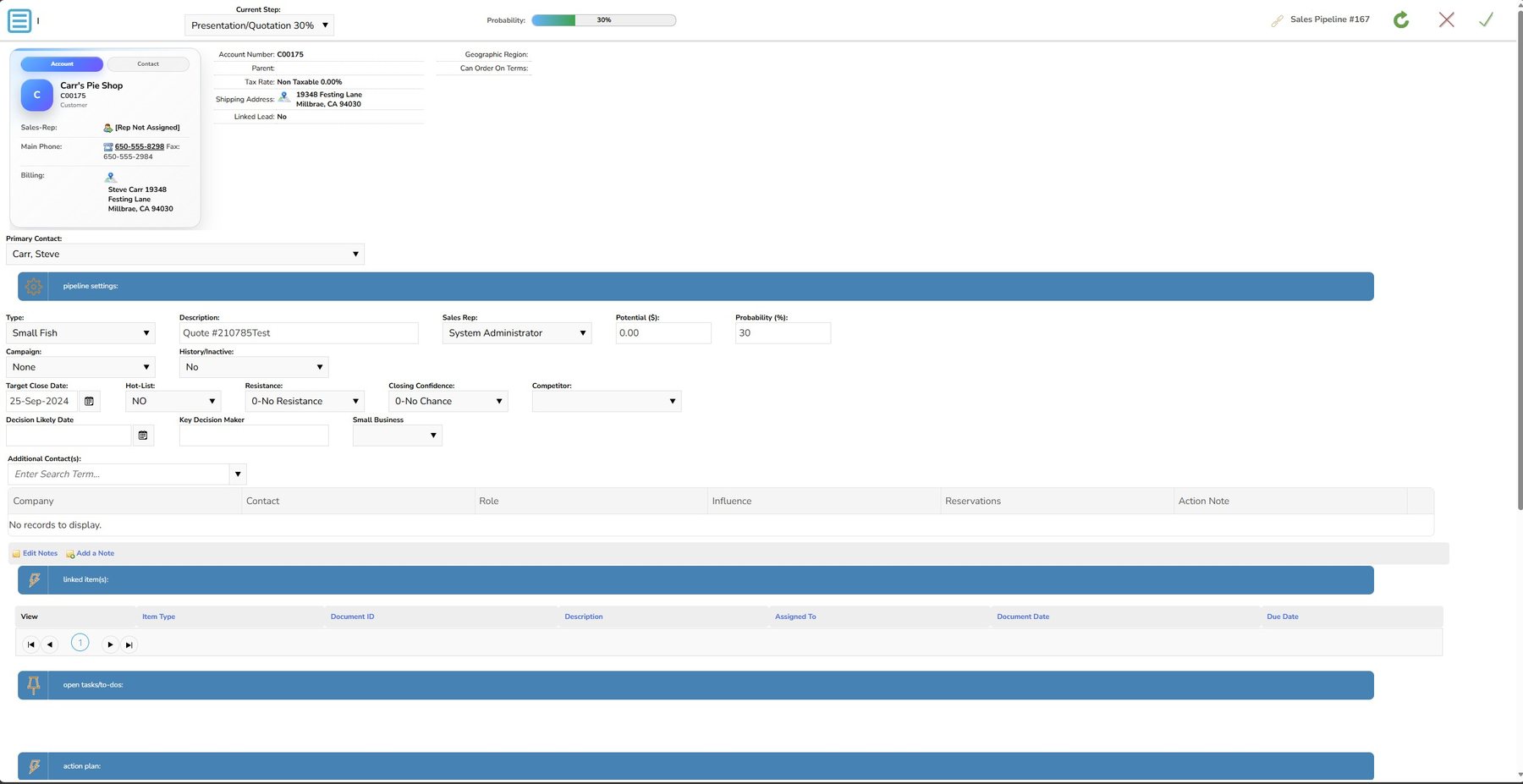
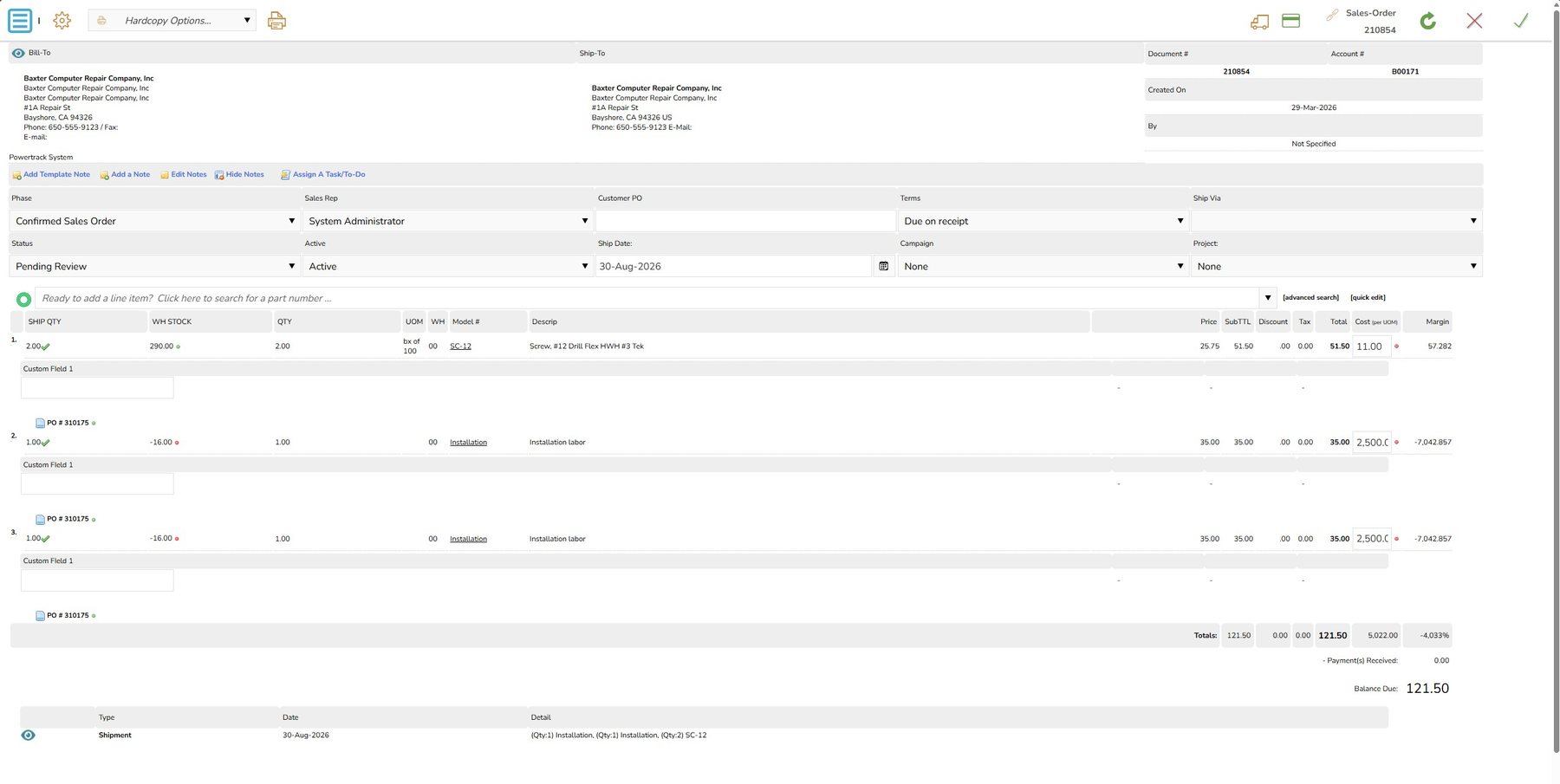
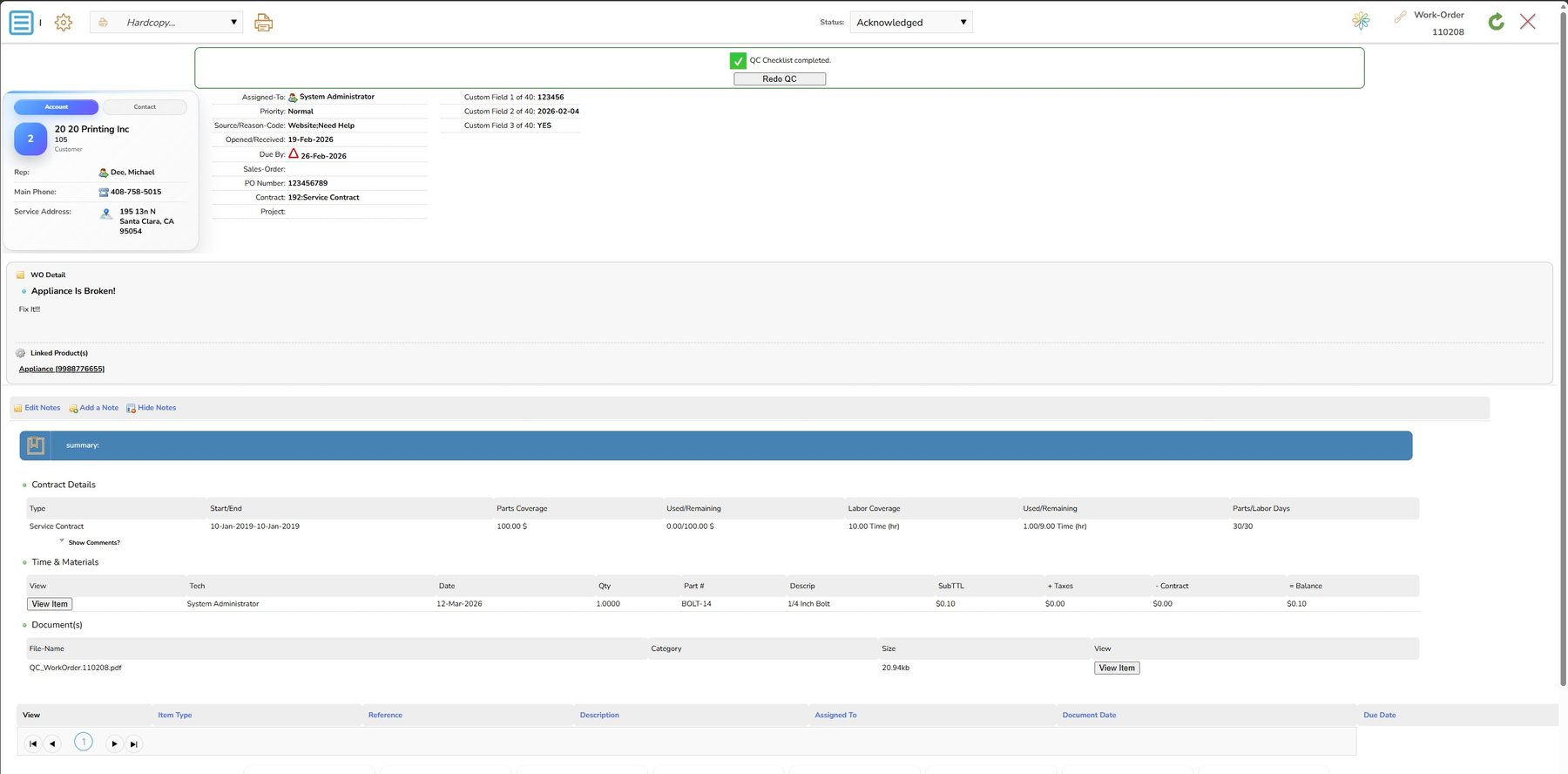
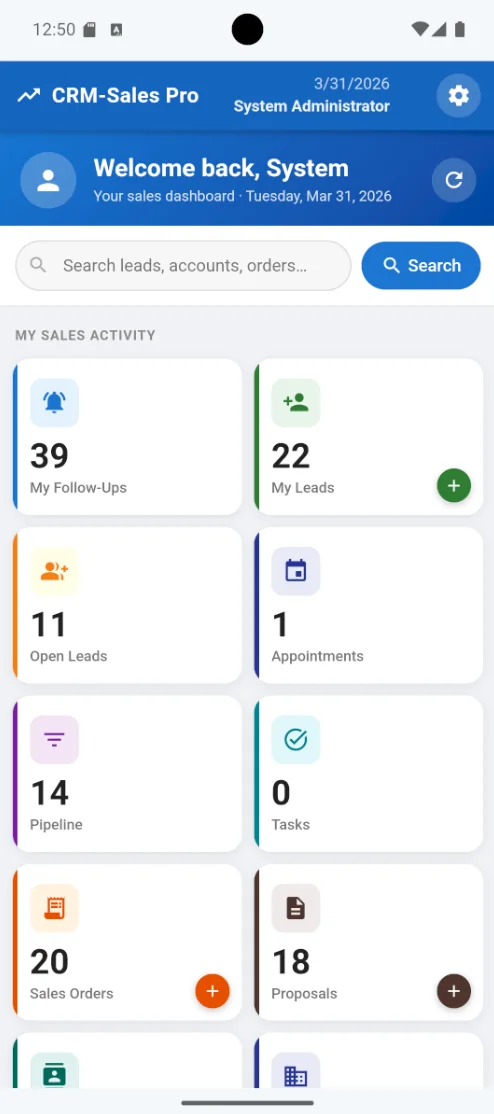
Screenshots

CLICK TO ENLARGE
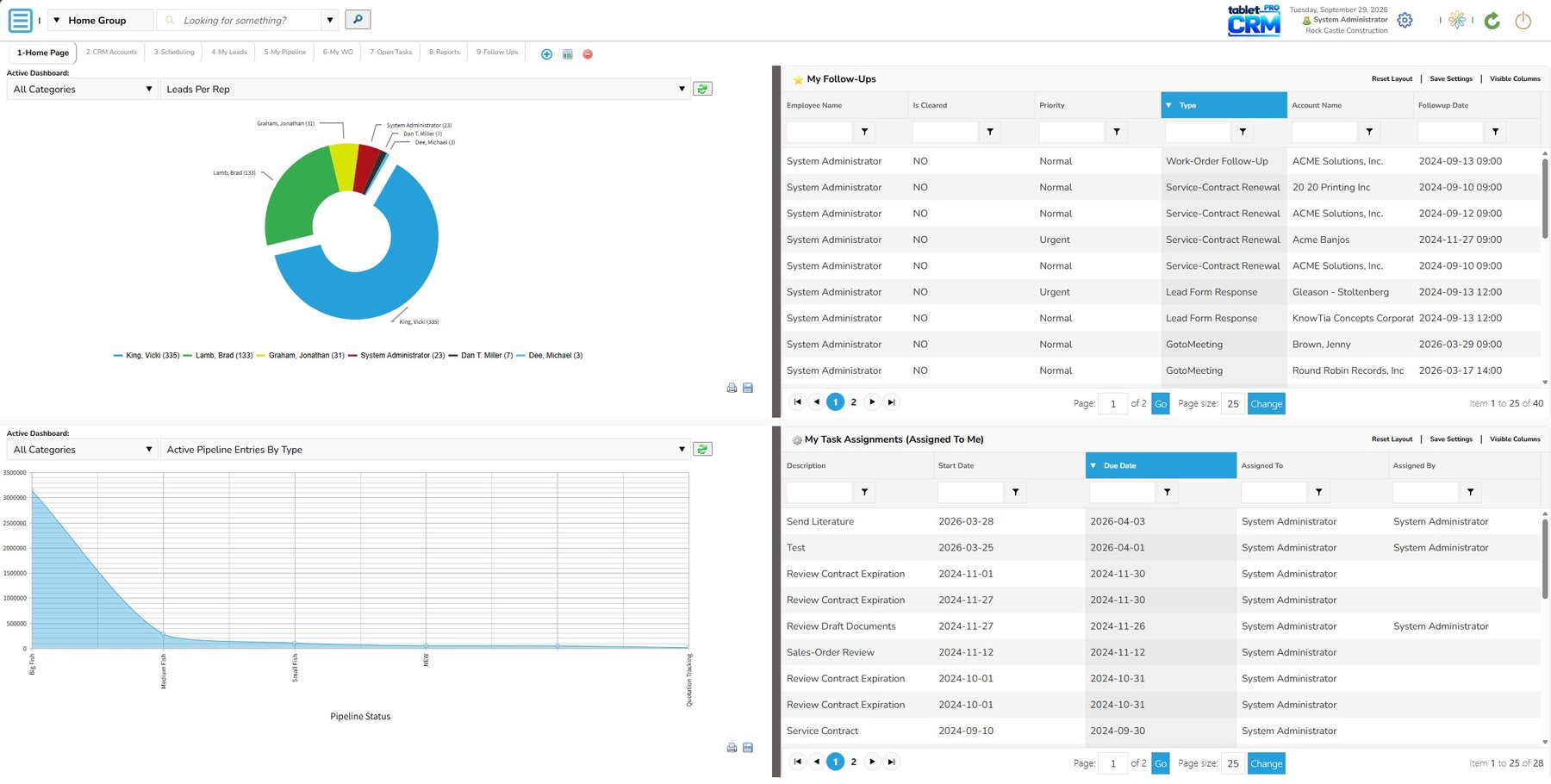
Dashboards
Leads & pipeline
Proposals & orders
Work orders
Mobile sales dashboard
CUSTOMER TRAINING & HELP

Get trained. Find answers fast.

Combine the depth of video training with the precision of written guides to get the most out of your system.

Our current training videos and guides reference DrivenCRM, TabletCRM’s previous generation; TabletCRM editions are on the way.
Training videos

TRAINING VIDEO

CRM Dashboards

Best practices for configuring and managing your dashboards.

TRAINING VIDEO

Bulk Marketing

Marketing campaigns, bulk e-mail with SendGrid, and promotional pricing.

TRAINING VIDEO

Reporting

Report creation, dashboard management, automated reports and charting.

TRAINING VIDEO

Sales-Lead Management

Dashboards, campaigns, lead importing, proposals and pipeline tracking.

TRAINING VIDEO

Order Processing & Inventory

From proposal to fulfillment and QuickBooks invoicing, with serialized inventory and purchasing.

TRAINING VIDEO

Contracts, Job Billing & Retainers

Prepaid retainers, work orders and progress invoicing.

TRAINING VIDEO

Advanced Inventory Features

Price breaks, quantity discounts, assemblies and physical inventory audits.

The full training channel

Every training video in one place — subscribe to catch new ones.

Help guides

FOR EVERY USER

User Guide

Step-by-step instructions, feature explanations and troubleshooting tips for day-to-day work.

FOR ADMINISTRATORS

Admin & Setup Guide

System setup, configuration and integrations — including e-mail marketing and accounting sync.

NEED A HAND?

Our concierge team is a call away.

Call 813-489-5249, 8am–3pm (EST), Monday–Friday — or book a time that suits you.